All projects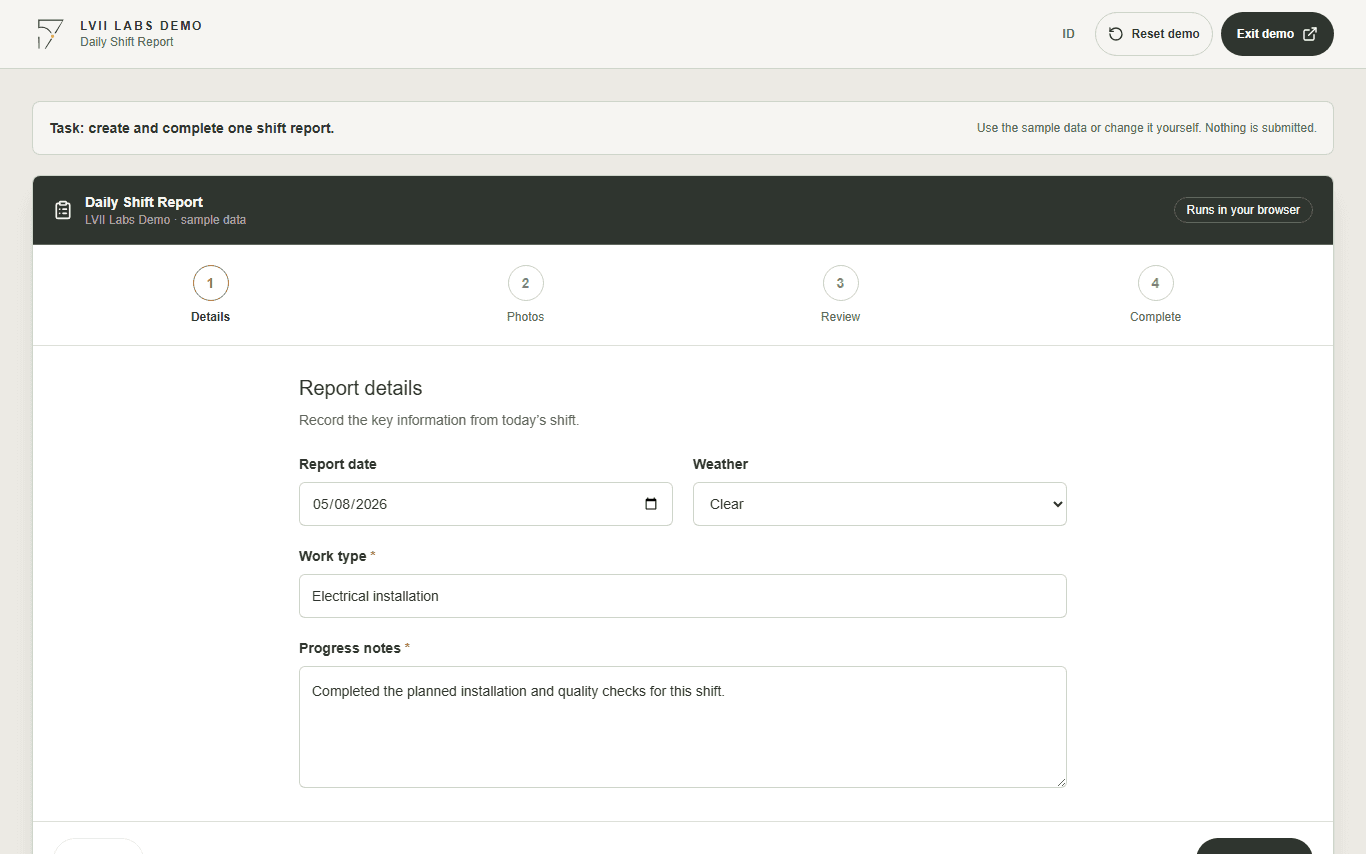
Field workflow
Daily Shift Report
Create a shift report, add photo evidence, review the details, and complete the record in one guided flow.
No login. Example data stays in this demo.
The problem
Site reporting is often split across paper forms, messages, and photos, leaving office teams to reconcile incomplete records.
A guided mobile-first flow keeps required details, evidence, and review in one predictable sequence.
How it works
Follow the workflow step by step.
- 01
Enter the shift details
Record the date, weather, work type, and progress notes.
- 02
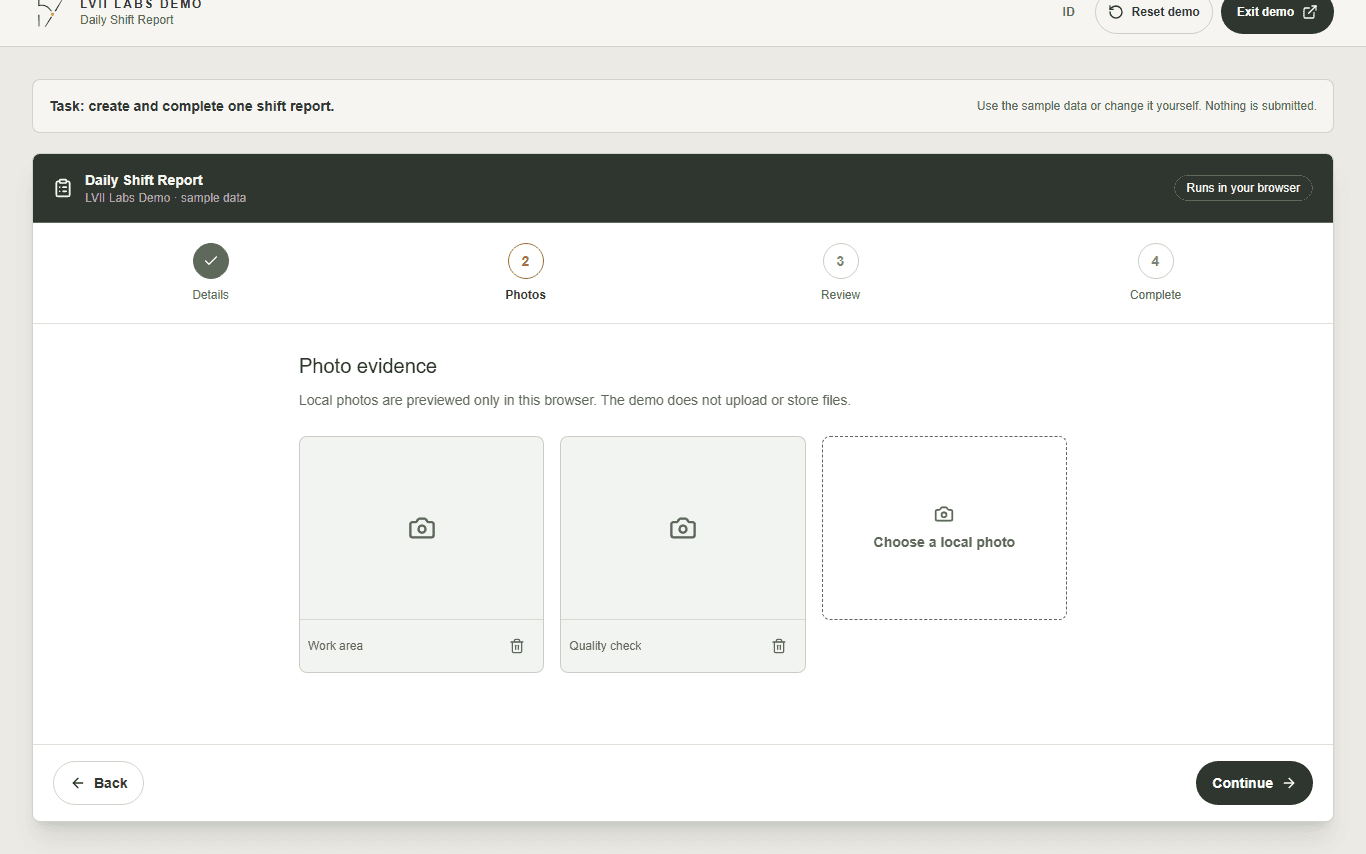
Add photo evidence
Attach sample or local photos without uploading them to a server.
- 03
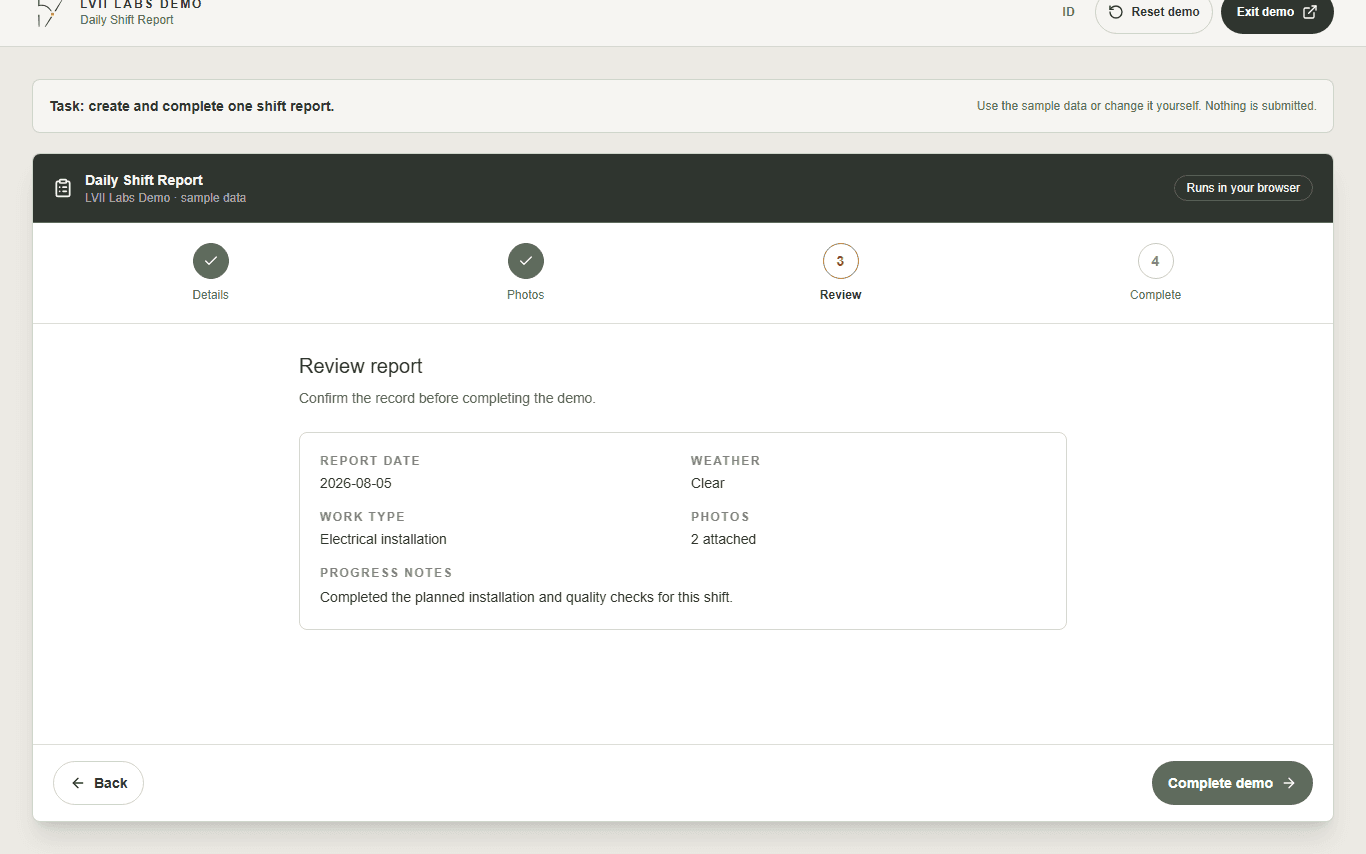
Review the record
Check every field and return to earlier steps when something needs correction.
Three key steps
See the task before you try the demo.
Next step
Have a similar workflow?
Discuss one process you want to make clearer or easier to review.
Discuss my workflow