All projects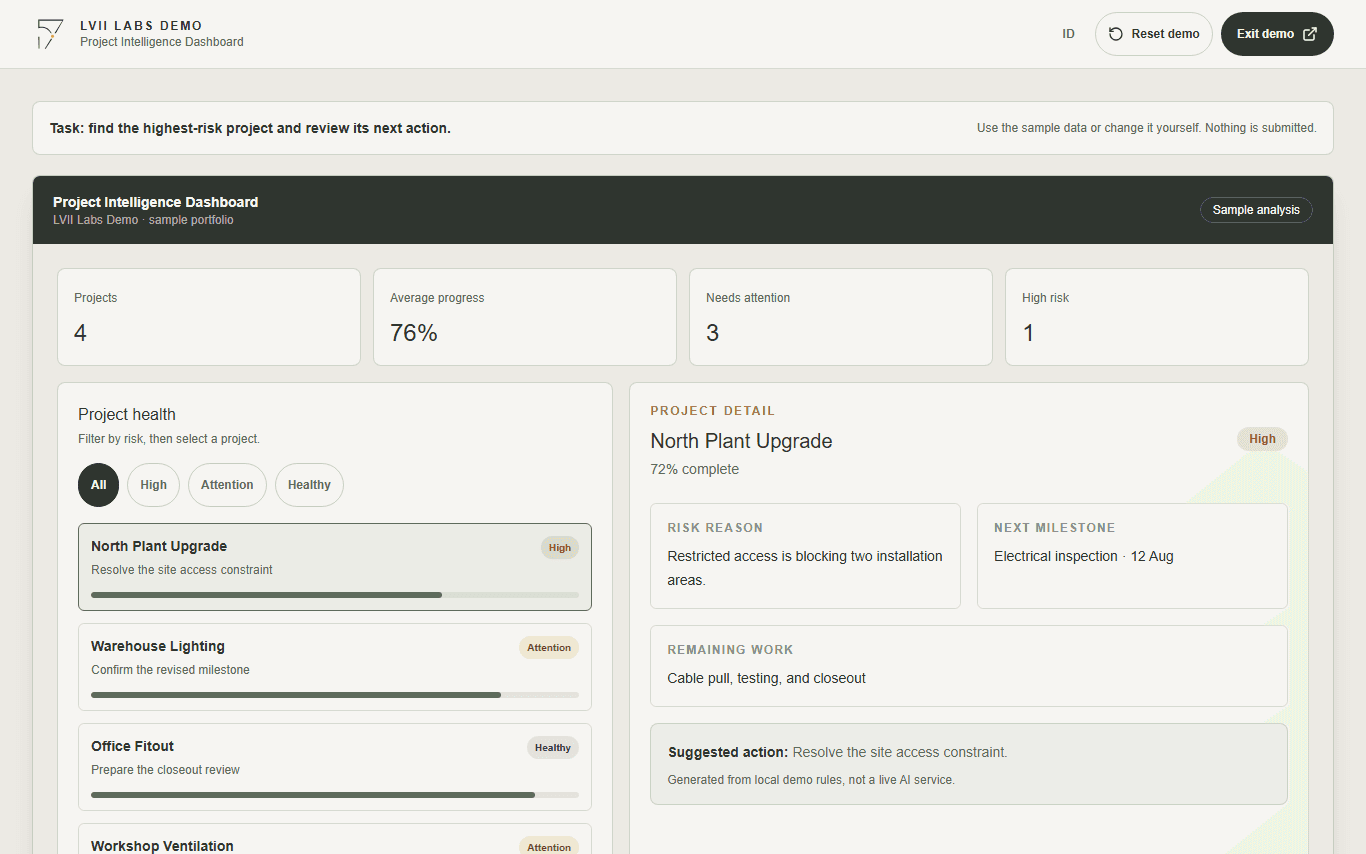
Portfolio overview
Project Intelligence Dashboard
Review portfolio health, filter delivery risk, and open a project to understand what needs attention next.
No login. Example data stays in this demo.
The problem
Project statuses spread across spreadsheets make it hard to see what needs attention before the next reporting cycle.
The dashboard leads with delivery risks and next actions, then supports each decision with compact portfolio metrics.
How it works
Follow the workflow step by step.
- 01
Filter by delivery risk
Narrow the portfolio to healthy projects, projects needing attention, or high-risk projects.
- 02
Inspect a project
Open its risk reason, next milestone, remaining work, and required action.
- 03
Prioritize the next action
Use clearly labeled sample analysis to decide what to review first.
Three key steps
See the task before you try the demo.
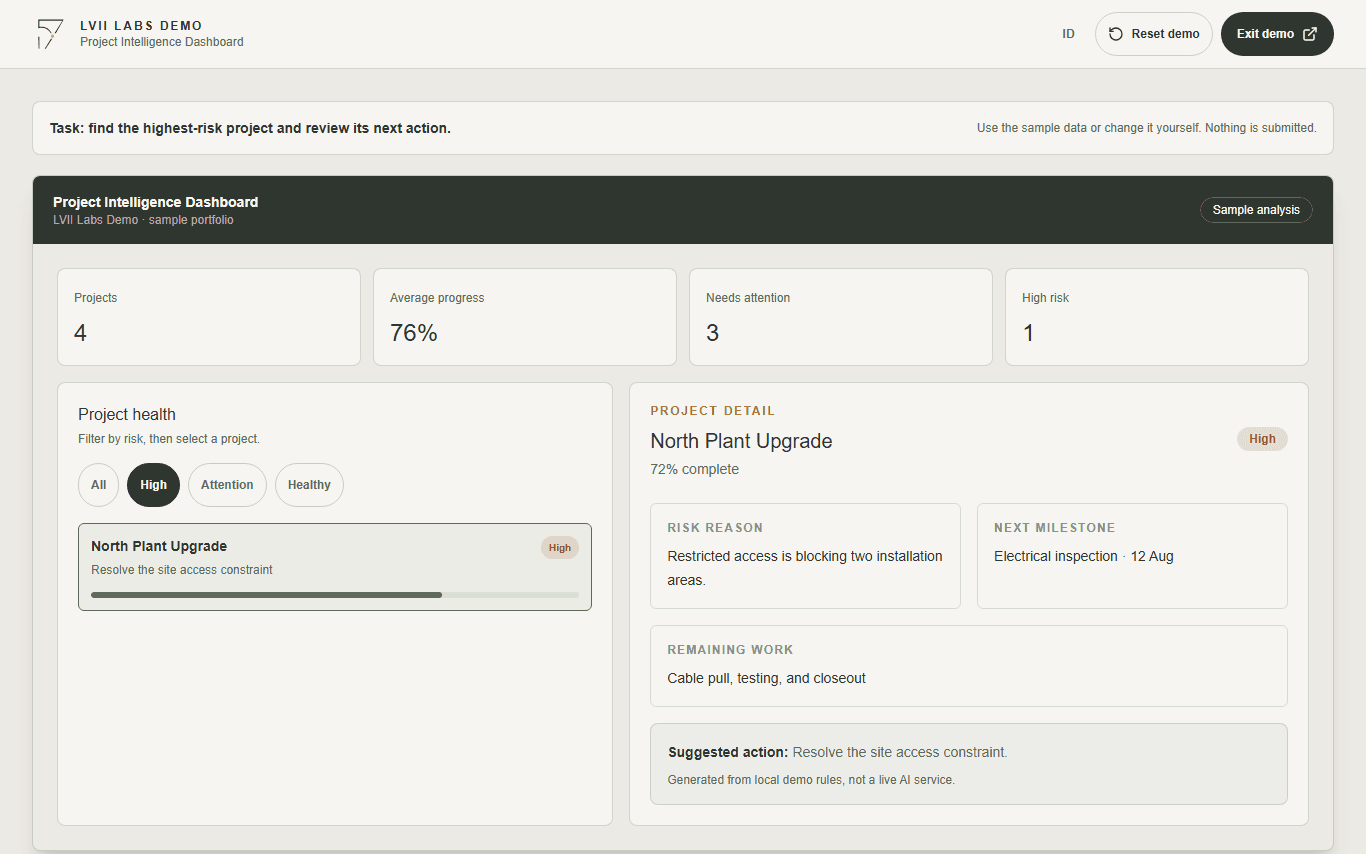
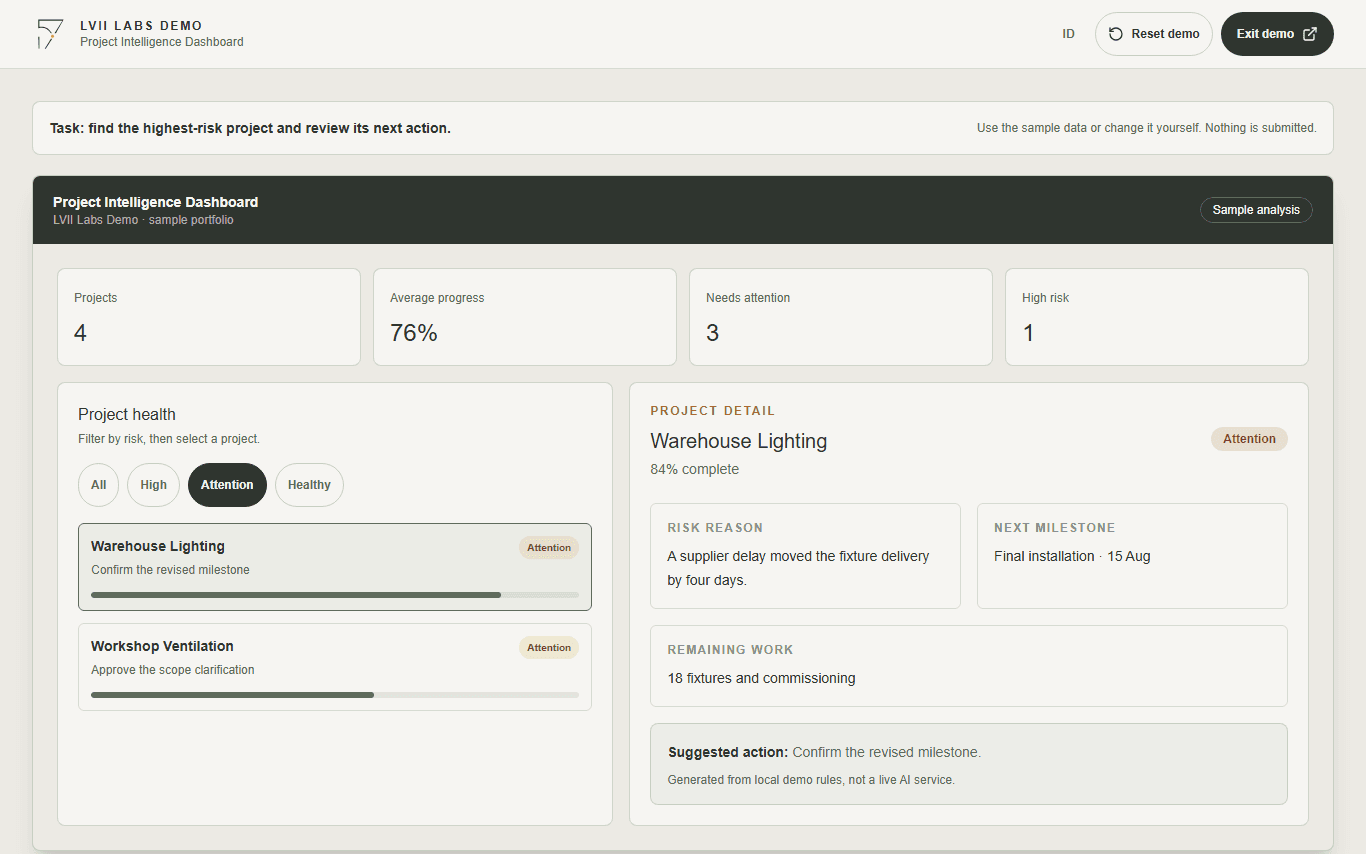
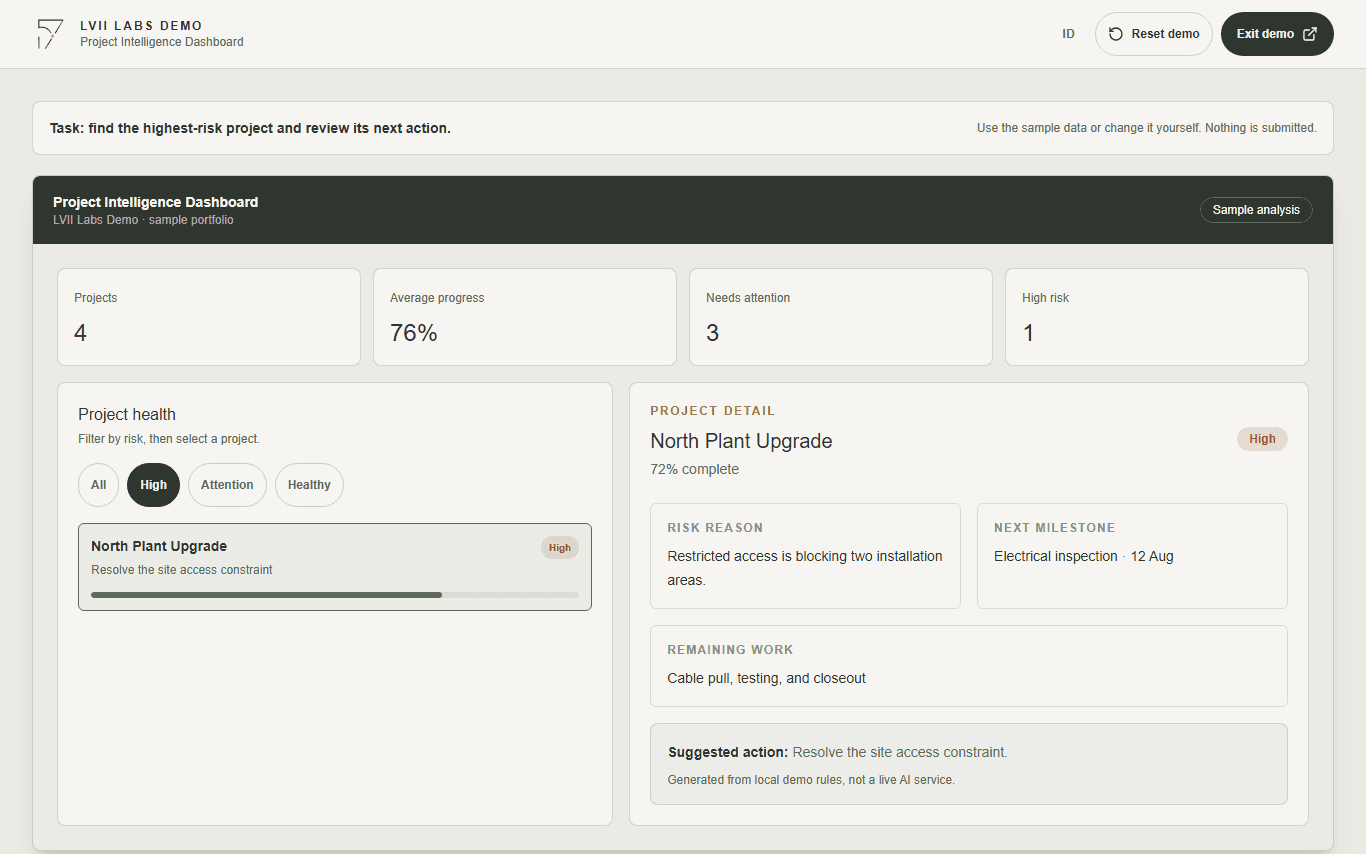
Next step
Have a similar workflow?
Discuss one process you want to make clearer or easier to review.
Discuss my workflow